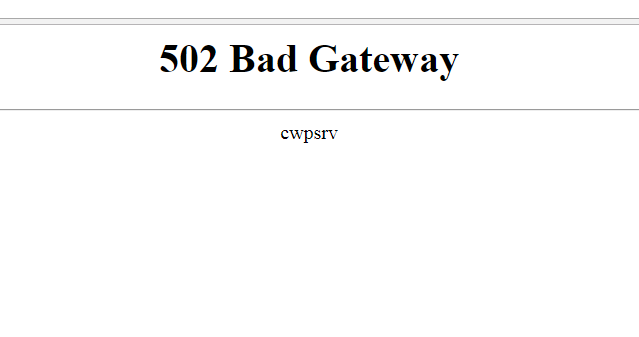
How to fix 502 Bad Gateway error in cwpsrv
Troubleshooting 502 Bad Gateway cwpsrv error in CentOS WebPanel
To fix this issue, which causes problems with the main admin page and the user panel, simply log in to the server terminal with root access and type the following command:;
cd /scripts
./restart_cwpsrv
The problem should be solved.
Did this article help you?
YesNo